


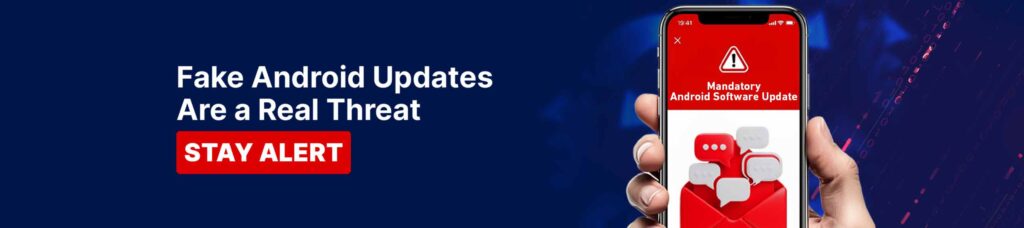
Fake Android App Updates & Malware When a “System Update” Is Actually a Scam
Android users are increasingly being targeted by malware disguised as system updates or app notifications. These attacks often appear as messages claiming a “Chrome update” or a “security fix” is required.
Once installed, the malware can secretly access your device, capture banking details, read messages, and initiate unauthorised transactions. The message may look official, but the risk is real.
How Fake Android Update Scams Work
Fraudsters use deceptive techniques to trick users into installing malicious apps. These scams may involve:
- SMS messages claiming your device needs an urgent update.
- Fake “System Update” or “Chrome Update” prompts.
- Links directing you to apps outside the Google Play Store.
- Apps requesting excessive permissions, such as accessibility access.
Once installed, the malware can monitor activity, intercept OTPs, and give fraudsters control over your device.
Common Android Malware Scenarios in the UAE
- Fake Update Messages: You receive an SMS asking you to update Chrome or your Android system urgently.
- Apps Installed Outside Google Play Store: You are redirected to download an app from an unfamiliar website.
- OTP Interception and Unauthorised Transactions: Malware reads messages and interferes with banking activity without your knowledge.
- Unusual Device Behaviour: Your phone becomes slower, apps open unexpectedly, or transactions occur that you did not authorise.
How to Protect Yourself
- Install apps only from Google Play Store: Never download apps from links sent via SMS or messages.
- Do not trust update links in messages: Legitimate Android and app updates happen only through your device settings or Google Play Store.
- Never share OTPs, PINs, or passwords: Al Ansari Exchange will never ask for these details through messages, calls, or social media.
- Enable biometric security: Use fingerprint or facial recognition to protect your apps.
- Delete suspicious messages immediately: Do not click, respond, or forward them.
For updates and communication, rely only on Al Ansari Exchange official social media accounts and official channels.
Final Reminder
If an update request feels unexpected or urgent, pause and verify before taking any action.
Staying cautious today can protect your money tomorrow.
Stay Alert. Stay Secure.